Logitech G Play Connect 2026
Inner Circle vs. 3DMAX · Dust II
CSGO-JCqj8-miBxk-y9FCo-U5TX5-qk3cQComplete setup
Danyyl Valitov, known as headtr1ck, is a professional Counter-Strike 2 AWPer from Ukraine who currently plays for Inner Circle.
Danyyl Valitov · Inner Circle · Preview calibrated for 1280×960 (4:3) stretched.
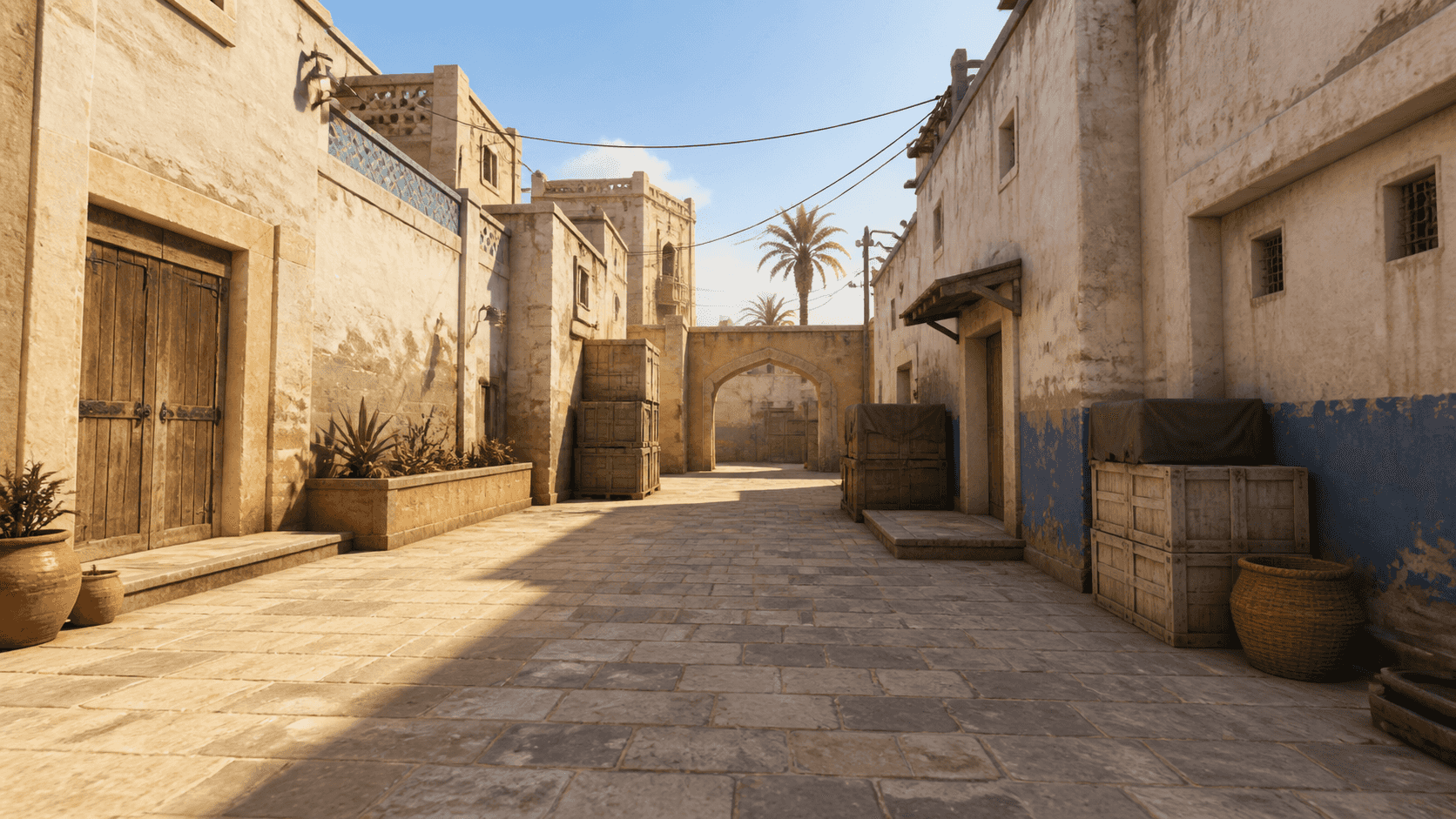 1280×960 · 4:3 · stretched · pixel preview
cl_crosshairstyle 4; cl_crosshairsize 1; cl_crosshairthickness 0; cl_crosshairgap -4; cl_crosshair_drawoutline 0; cl_crosshair_outlinethickness 0; cl_crosshairdot 0; cl_crosshaircolor 4; cl_crosshaircolor_r 255; cl_crosshaircolor_g 255; cl_crosshaircolor_b 255; cl_crosshairalpha 255; cl_crosshairusealpha 1; cl_crosshair_t 0; cl_crosshair_recoil 0; cl_crosshair_dynamic_splitdist 3; cl_fixedcrosshairgap 3; cl_crosshair_dynamic_splitalpha_innermod 0; cl_crosshair_dynamic_splitalpha_outermod 1; cl_crosshair_dynamic_maxdist_splitratio 1; cl_crosshairgap_useweaponvalue 0The latest crosshair recorded from an official match.
Match history
The latest tracked match observations, organized by date, opponent and map. Identical crosshair codes remain listed when they were observed in separate matches.
Inner Circle vs. 3DMAX · Dust II
CSGO-JCqj8-miBxk-y9FCo-U5TX5-qk3cQInner Circle vs. 3DMAX · Ancient
CSGO-JCqj8-miBxk-y9FCo-U5TX5-qk3cQInner Circle vs. EYEBALLERS · Anubis
CSGO-JCqj8-miBxk-y9FCo-U5TX5-qk3cQReview dates apply to the fields listed below. They do not indicate when the player first used a setting.
sensitivity 2.3This command changes only in-game sensitivity. Set your mouse to 400 DPI separately; zoom sensitivity is unchanged.
Review dates apply to the fields listed below. They do not indicate when the player first used a setting.
Review dates apply to the fields listed below. They do not indicate when the player first used a setting.
Gaming equipment
The mouse, keyboard, monitor and other equipment currently listed for headtr1ck.
Review dates apply to the fields listed below. They do not indicate when the player first used a setting.
viewmodel_fov 68; viewmodel_offset_x 2.5; viewmodel_offset_y 0; viewmodel_offset_z -1.5; viewmodel_presetpos 2Review dates apply to the fields listed below. They do not indicate when the player first used a setting.
Review dates apply to the fields listed below. They do not indicate when the player first used a setting.
Config
Download a safe generated config with the profile's crosshair and supported in-game settings. Hardware, resolution and driver settings are not included.
How to install a CS2 config
Teammates
Explore headtr1ck's currently tracked teammates and compare their CS2 crosshairs and settings.
Player profile
Danyyl Valitov, known as headtr1ck, is a professional Counter-Strike 2 AWPer from Ukraine who currently plays for Inner Circle.
This profile brings together headtr1ck's current crosshair, mouse sensitivity, video and viewmodel settings, config, launch options and gaming equipment. Crosshair observations and setup categories are maintained independently so a new match does not make unrelated settings appear newly verified.
Player links
Open the verified external profiles below to learn more about headtr1ck and view available account details.
Community
New comments are reviewed before publication. Comments never change verified data.
Data quality
Include the exact field and a public source. An editor verifies every submission independently.
Published discussion
Community comments
No approved comments yet.