What the crosshair controls change
Length controls the four arms, thickness changes their width and gap moves them toward or away from the center. Outline, alpha and color mainly affect visibility against different maps.
Interactive tool
Create and preview a CS2 crosshair across 4:3, 16:10 and 16:9 video modes. Start with a preset or adjust size, gap, thickness, color and outline, then copy your share code.
Loaded from biguzera’s current profile.
Quick presets
Video simulation
4:3 and 16:10 default to stretched on a standard 16:9 display. 16:9 uses native scaling.
Black bars and stretched scaling are normally configured in the GPU or display settings, not by the crosshair code.
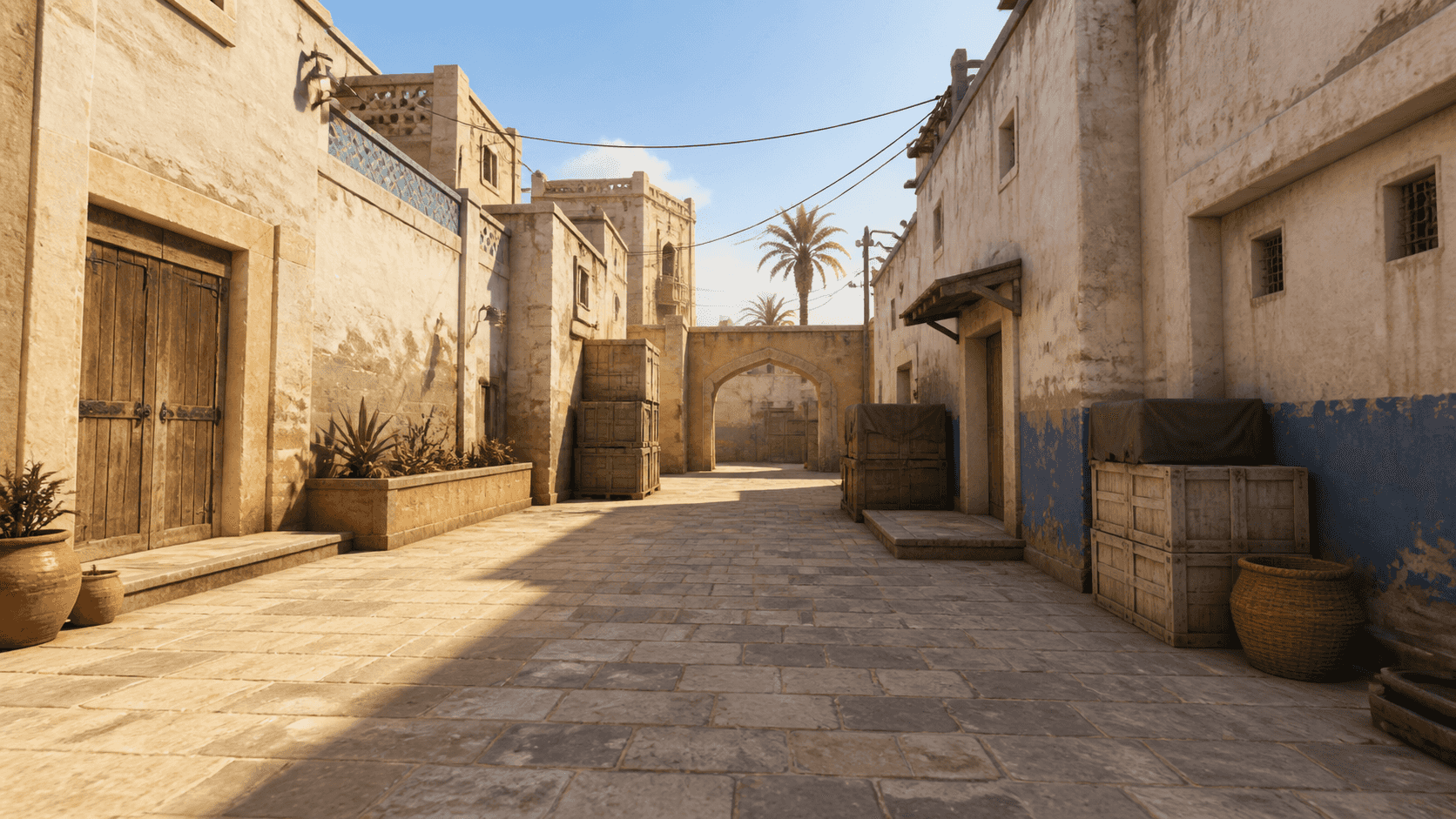 1280×960 · 4:3 · stretched · pixel preview
Alternative output
cl_crosshairstyle 0; cl_crosshairsize 19.2; cl_crosshairthickness 4; cl_crosshairgap 0.4; cl_crosshair_drawoutline 0; cl_crosshair_outlinethickness 0; cl_crosshairdot 0; cl_crosshaircolor 0; cl_crosshaircolor_r 255; cl_crosshaircolor_g 167; cl_crosshaircolor_b 255; cl_crosshairalpha 1; cl_crosshairusealpha 0; cl_crosshair_t 0; cl_crosshair_recoil 0; cl_crosshair_dynamic_splitdist 2; cl_fixedcrosshairgap -2.9; cl_crosshair_dynamic_splitalpha_innermod 0; cl_crosshair_dynamic_splitalpha_outermod 1; cl_crosshair_dynamic_maxdist_splitratio 1.1; cl_crosshairgap_useweaponvalue 0Paste into the CS2 developer console. The generator only emits known CS2 crosshair commands.
How it works
The preview recreates the crosshair at the selected pixel grid. Display size, GPU scaling and monitor settings can still make the in-game result appear slightly different.
Length controls the four arms, thickness changes their width and gap moves them toward or away from the center. Outline, alpha and color mainly affect visibility against different maps.
A 4:3 stretched image is widened to fill a 16:9 display, while native 16:9 keeps the original proportions. The crosshair values stay the same, but their apparent shape can change with the rendered pixel grid.
Open the in-game crosshair settings to import a share code, or enable the developer console and paste the generated commands.
How to import a CS2 crosshair codeBrowse professional CS2 player crosshairs